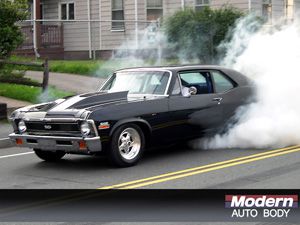
Wallpaper
View our wallpapers
Select Wallpaper By Clicking On The Desktop SIZE You Wish to Download
A new window will open and the photo will load into it. Most wallpapers are quite large and will require between 1-3 minutes to load on a 28k dial-up connection.
Windows
After new window opens up: Place your mouse cursor over the image. Click
on the right mouse button. A mini menu window will popup Scroll down to and highlight the option [Set As Wallpaper] and then use the left mouse button to click at it once. Your wallpaper is now set on your desktop. If the image does not appear then refresh your desktop.
Mac
After new window opens up: Place your mouse cursor over the image. Hold down the mouse button until mini menu appears Choose “save image as” this will save the image in your hard drive. Open the control panel “Desktop Pictures” Click remove picture and then click select picture Load new wallpaper from where you saved the image on your computer Finally, simply choose “position automatically” for wallpaper.
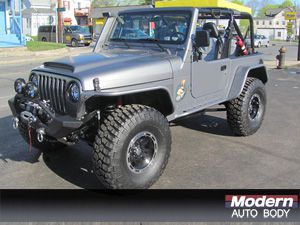
Title: 2000 Jeep Wrangler
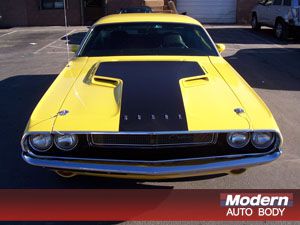
Title: 1970 Hemi Dodge Challenger
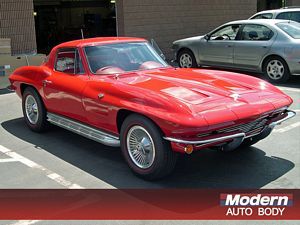
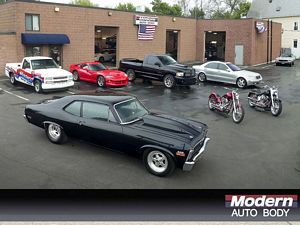
Title: The Line Up
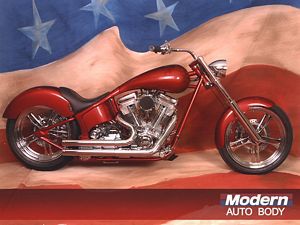
Title: Sick-1 Custom Bike
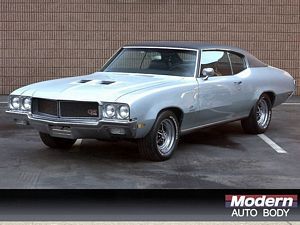
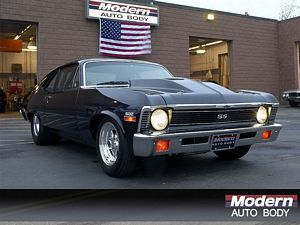
Title: 1971 Nova SS
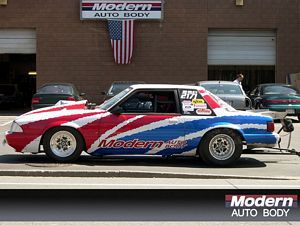
Title: Ford Super Street Outlaw